
Are you struggling to get your website noticed online? Are you wondering how to improve your website’s visibility and drive more traffic? You’re not alone. Many website owners face the same challenge.
Understanding how to leverage the right tools is key. One such tool is a powerful platform that helps you monitor and optimize your website’s performance on the world’s most popular search engine.
Our comprehensive beginner’s guide will walk you through the process of setting up and using this essential tool to boost your online presence.
Key Takeaways
- Understand the importance of monitoring your website’s performance
- Learn how to set up and use the platform for your website
- Discover how to improve your website’s visibility and drive more traffic
- Get insights into optimizing your website for better performance
- Find out how to make data-driven decisions for your online success
What is Google Search Console?
For website owners, Google Search Console is an indispensable resource for optimizing their online presence. It provides critical insights into how Google interacts with their website, helping them identify areas for improvement.
Google Search Console has evolved significantly over the years, transforming from a basic webmaster tool to a comprehensive platform for search engine optimization.
The Evolution from Webmaster Tools to Search Console
Originally known as Google Webmaster Tools, Google Search Console was rebranded in 2015 to reflect its expanded capabilities. This change marked a significant shift towards a more user-friendly interface and enhanced features for monitoring and improving website performance on Google.
The evolution continued with the introduction of new features and reports, making it an essential tool for SEO professionals and website owners alike.
Why Every Website Owner Needs Search Console
Google Search Console is vital for understanding how your website appears in search results. It provides data on search queries, click-through rates, and impressions, helping you refine your SEO strategy.
With Search Console, you can identify and fix issues that might be hindering your website’s performance, such as crawl errors or mobile usability problems.
| Feature | Description | Benefit |
|---|---|---|
| Search Queries | Data on the queries that led users to your site | Helps refine your SEO strategy |
| Crawl Errors | Identifies issues preventing Google from crawling your site | Fixes problems hindering site visibility |
| Mobile Usability | Assesses your site’s mobile-friendliness | Improves user experience on mobile devices |
Setting Up Your Google Search Console Account
Google Search Console is a powerful tool, but you need to set it up correctly to reap its benefits. This involves creating an account, adding your website, verifying your ownership, and choosing the right property type.
Creating Your Account and Adding Your Website
To start, you’ll need a Google account. If you don’t have one, create it on the Google Account sign-up page. Once you have a Google account, go to the Google Search Console website and sign in. Click on “Add a property” and enter your website’s URL. You can add multiple properties to your account if you manage several websites.
Verification Methods Explained
After adding your website, you’ll need to verify your ownership. Google Search Console offers several verification methods to cater to different user needs. These include:
- HTML Tag Verification: This involves adding a meta tag to your website’s homepage.
- DNS Verification: You need to add a TXT record to your domain’s DNS configuration.
- HTML File Upload: Uploading an HTML file to your website’s root directory.
HTML Tag Verification
For HTML tag verification, you’ll receive a meta tag that you need to add to your website’s homepage. This tag is unique to your Google account and verifies your ownership.
DNS Verification
DNS verification involves adding a TXT record to your domain’s DNS settings. This method is useful if you have access to your domain’s DNS configuration but not to your website’s files.
HTML File Upload
For HTML file upload verification, you’ll need to download an HTML file from Google Search Console and upload it to your website’s root directory. This method is straightforward and doesn’t require editing your website’s code.
Setting Up Property Types: Domain vs URL Prefix
When setting up your property, you’ll need to choose between a domain property and a URL prefix property. A domain property includes all subdomains and protocols (http/https) under that domain, while a URL prefix property is specific to the URL you specify, including the protocol.
For most users, a domain property is recommended as it provides a comprehensive view of your website’s performance across different subdomains and protocols.
Google Search Console Guide for Beginners: Essential Features
To get the most out of Google Search Console, it’s essential to familiarize yourself with its core features. Google Search Console is a powerful tool that provides insights into your website’s performance on Google. By understanding how to navigate and utilize its features, you can improve your website’s visibility and search engine ranking.
Understanding the Dashboard and Navigation
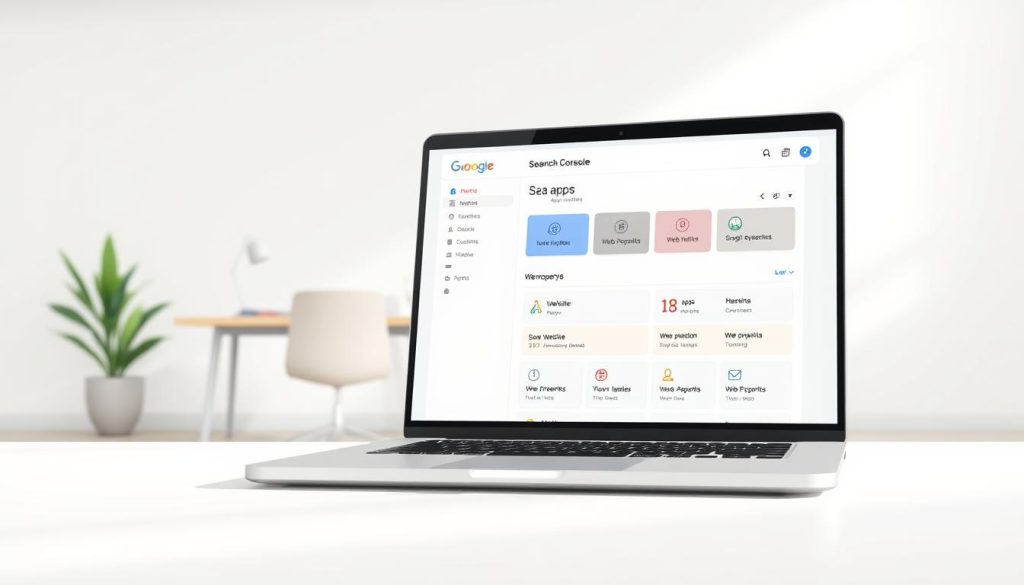
The Google Search Console dashboard is your gateway to a wealth of information about your website’s performance on Google. Upon logging in, you’ll see an overview of your website’s performance, including the number of clicks, impressions, and average position. The navigation menu on the left allows you to access more detailed reports and settings.
Performance Reports: Tracking Your Search Traffic
Performance reports in Google Search Console are crucial for understanding how users are finding and interacting with your website. These reports provide data on clicks, impressions, and average position, giving you a comprehensive view of your website’s search traffic.
Analyzing Clicks, Impressions, and Positions
Analyzing clicks, impressions, and positions helps you understand your website’s visibility and engagement. For instance, a high number of impressions with low clicks may indicate that your website’s title or meta description needs improvement.
Filtering Data by Device, Country, and Page
Filtering your performance data by device, country, and page allows you to gain more specific insights into your website’s traffic. This can help you identify areas for improvement, such as optimizing for mobile devices or targeting specific geographic regions.
| Filter | Description | Use Case |
|---|---|---|
| Device | Analyze traffic from desktop, mobile, or tablet devices | Optimize your website for the most used devices |
| Country | View traffic from specific countries or regions | Tailor your content to specific geographic regions |
| Page | Examine traffic for specific pages on your website | Identify top-performing pages and areas for improvement |
Index Coverage: Ensuring Google Sees Your Content
Index coverage refers to how much of your website’s content is indexed by Google. Ensuring that Google can crawl and index your content is crucial for visibility in search results. The Index Coverage report in Google Search Console helps you identify any issues that may be preventing Google from indexing your content.
By understanding and utilizing these essential features of Google Search Console, you can gain valuable insights into your website’s performance and make data-driven decisions to improve its visibility and search engine ranking.
Improving Your SEO with Search Console Data
To maximize your website’s visibility on search engines, leveraging Google Search Console data is crucial. By analyzing the information provided, you can refine your SEO strategies and improve your website’s performance. Google Search Console offers a wealth of data that can help you understand how your site is perceived by search engines and identify areas for improvement.
Analyzing Search Queries and Click-Through Rates
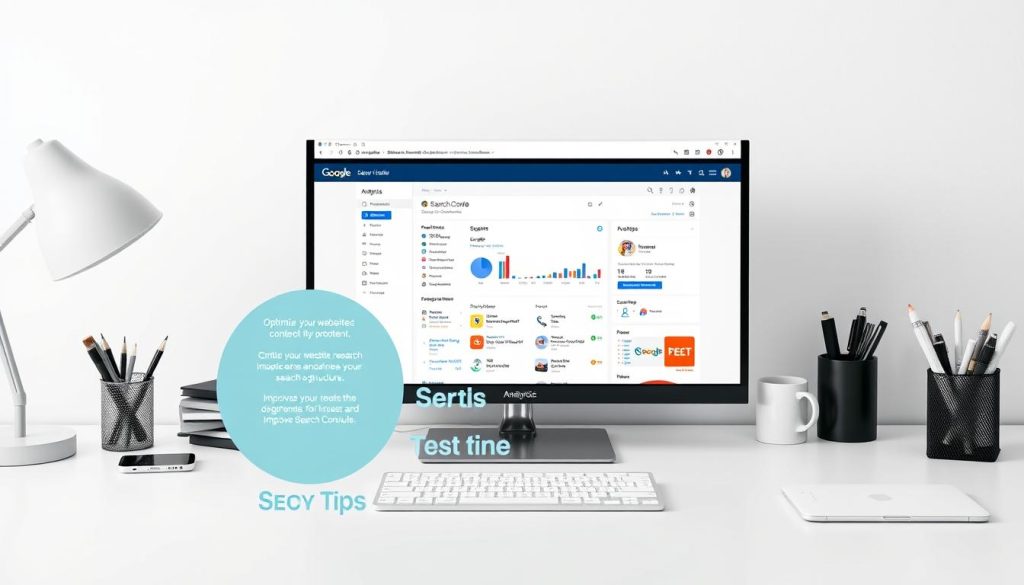
One of the most valuable features of Google Search Console is its ability to provide insights into search queries and click-through rates (CTR). By examining which queries drive traffic to your site, you can optimize your content to better match user intent. A high CTR indicates that your title and meta description are effective, while a low CTR may suggest that you need to revisit your SEO tips and adjust your meta tags.
Identifying and Fixing Mobile Usability Issues
With the majority of web traffic coming from mobile devices, ensuring your site is mobile-friendly is paramount. Google Search Console can alert you to mobile usability issues that might be affecting your site’s performance. By addressing these issues, you can improve user experience and potentially boost your search engine rankings, as mobile usability is a factor in Google’s search engine optimization algorithm.
Using the URL Inspection Tool Effectively
The URL Inspection Tool is a powerful feature within Google Search Console that allows you to analyze and troubleshoot specific URLs on your site. This tool can help you understand how Google crawls and indexes your content.
Requesting Indexing for New Content
When you add new content to your site, you can use the URL Inspection Tool to request that Google index it. This can help ensure that your new content is discovered and included in search results more quickly.
Troubleshooting Crawl Errors
Crawl errors can prevent Google from accessing and indexing your content. By using the URL Inspection Tool to identify and troubleshoot these errors, you can ensure that your site is fully crawled and indexed, maximizing your visibility in search results.
By leveraging these features and insights from Google Search Console, you can refine your SEO strategies and improve your website’s performance in search engine results.
Advanced Features and Troubleshooting
Beyond the basics, Google Search Console provides advanced features that can help you refine your SEO strategy and resolve technical issues. These features are designed to give you deeper insights into your website’s performance and help you identify areas for improvement.
Core Web Vitals and Page Experience
Google Search Console now includes Core Web Vitals as part of its Page Experience report. This feature helps you understand how users interact with your site, focusing on loading performance, interactivity, and visual stability. Optimizing for Core Web Vitals can significantly enhance user experience and potentially boost your rankings.
Links Report: Understanding Your Backlink Profile
The Links report in Google Search Console provides valuable insights into your website’s backlink profile. It shows which pages are linking to your site, helping you identify potential SEO opportunities or issues. Monitoring your backlinks is crucial for maintaining a healthy link profile.
| Link Type | Description | Importance |
|---|---|---|
| Internal Links | Links within your website | High |
| External Links | Links from other websites to yours | High |
| Backlinks | Links from your site to other sites | Medium |
Sitemaps and Robots.txt Management
Google Search Console allows you to manage your sitemaps and robots.txt files directly. This feature is essential for ensuring that search engines can crawl and index your site’s pages correctly. Submitting a sitemap helps Google understand your site’s structure.
Resolving Common Error Messages
Google Search Console will notify you of various errors or issues it encounters while crawling your site. Understanding and resolving these issues is crucial for maintaining your site’s visibility.
Coverage Issues
Coverage issues arise when Google encounters problems indexing your pages. This could be due to crawl errors, noindex tags, or other factors. Regularly checking the Coverage report helps you identify and fix these issues promptly.
Manual Actions
Manual actions are taken by Google when your site violates its guidelines. If you receive a manual action notice, it’s essential to address the issue, submit a reconsideration request, and ensure compliance with Google’s policies.
Conclusion: Making the Most of Google Search Console
By following this beginner’s guide to Google Search Console, you’ve gained a comprehensive understanding of how to use this powerful tool to improve your website’s visibility and drive more traffic. With Google Search Console, you can track your search traffic, identify and fix issues, and optimize your website for better performance.
As you continue to explore the features and benefits of Google Search Console, you’ll be able to refine your SEO strategy and make data-driven decisions to boost your online presence. For a more in-depth understanding, consider exploring additional resources, such as the official Google Search Console tutorial, to further enhance your skills.
Now that you’ve completed this guide, start leveraging Google Search Console to achieve your online goals. With its powerful features and insights, you’ll be well on your way to improving your website’s performance and driving more traffic to your site.
FAQ
What is Google Search Console, and how does it differ from Google Analytics?
Google Search Console is a tool that helps website owners monitor their site’s presence in Google search results, while Google Analytics tracks website traffic and behavior. Search Console focuses on search engine optimization (SEO) and provides insights into how Google crawls and indexes your site.
How do I verify my website in Google Search Console?
To verify your website, you can use one of several methods, including HTML tag verification, DNS verification, or HTML file upload. These methods confirm that you own the website and have permission to manage its presence in Google search results.
What are the benefits of using Google Search Console for SEO?
Google Search Console provides valuable insights into your website’s search traffic, including clicks, impressions, and positions. It also helps you identify and fix technical issues, such as crawl errors and mobile usability problems, which can impact your site’s visibility and ranking.
How do I submit a sitemap to Google using Search Console?
To submit a sitemap, navigate to the Sitemaps section in Google Search Console, enter the URL of your sitemap, and click “Submit.” This helps Google understand your website’s structure and content, ensuring that your pages are crawled and indexed correctly.
What is the URL Inspection Tool, and how do I use it?
The URL Inspection Tool allows you to analyze a specific URL on your website, checking its indexing status, crawl errors, and other issues. You can use it to request indexing for new content, troubleshoot crawl errors, and identify issues that may be impacting your site’s visibility.
How can I improve my website’s mobile usability using Google Search Console?
Google Search Console provides a Mobile Usability report that identifies issues that may be impacting your site’s mobile usability. You can use this report to identify and fix problems, such as responsive design issues or tap target size, to ensure that your site provides a good user experience on mobile devices.
What are Core Web Vitals, and how do they impact my website’s SEO?
Core Web Vitals are a set of metrics that measure your website’s performance, including page load times, interactivity, and visual stability. Google uses these metrics to evaluate your site’s user experience, and they can impact your site’s search engine ranking and visibility.